Skip to content
Menu

Get started with Copilot Chat

Microsoft Copilot Chat beginners course

€4,150 + VAT

  • Write better prompts and get better answers from Copilot Chat.
  • Write minutes, reports, and email replies from your own files.
  • Use agents and notebooks with your rules and files.
Get a tailored quote

4.7/5 (across all courses)

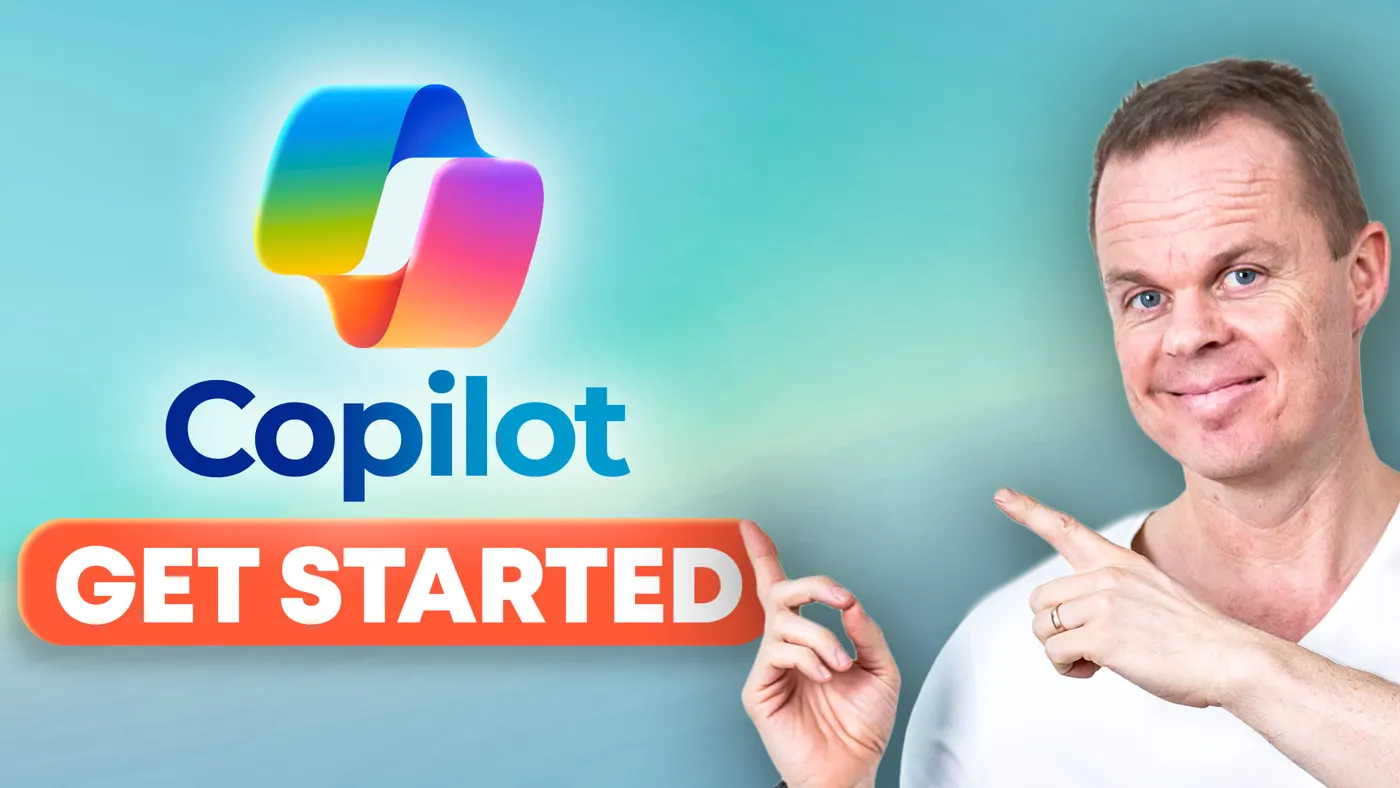
Anders Jensen pointing at the camera next to the Copilot logo and the text "Learn 365 Copilot Chat".

What you will learn

Microsoft Copilot Chat (formerly Microsoft 365 Copilot Chat) is the easiest way into AI for anyone with Microsoft 365, and the course gets your staff started with confidence in their everyday work.

By the end of the course you can:

  • Understand what the free Copilot Chat can do and what needs a Microsoft Copilot licence.

  • Handle everyday tasks such as minutes and plans, in the browser and on your phone.

  • Get Copilot Chat to work with numbers, images, and code, not only text.

  • Judge whether a task is best handled in an ordinary chat, with an agent, or in a notebook.

About the course

Details and modules

  • Lessons

    All day you work in the free Copilot Chat: In the browser, on your phone, and in Outlook on the web. The course has six lessons:

    • Introduction to Copilot and AI: Start with the basics of AI: How a language model is trained and why it can be confidently wrong. Learn the difference between the three Copilots and what the free Copilot Chat can do.
    • Better prompting: Using the morning's round of introductions, build a prompt one element at a time: Task, context, format, tone, and source. Teach Copilot your own writing style, save your best prompts, and rehearse a difficult conversation with a sceptical CEO. Finally, you use the Copilot app on your phone with voice and camera.
    • Advanced workflows: Write minutes from a template and a transcript, an article from an annual report, and the rest of a quarterly report from a workbook. Reply to an email with Copilot in Outlook on the web, and use Copilot in Edge on a web page and a PDF.
    • Excel: Work in the chat with two years of IT purchase data: Ask questions about the data and get formulas, lookups, conditional formatting, pivot tables, charts, and VBA. You paste the results into Excel yourself.
    • Image generator: Create realistic photos and edit them with follow-up prompts. Then make an ad from a photo, an infographic, and, if your accounts allow it, a headshot.
    • Agents and notebooks: Build one agent that replies to customer emails and one that answers questions from the staff handbook. Put three HR files in a notebook and ask questions across them. If audio overviews are available on your accounts, you also see one. If notebooks are unavailable, you use the files and instructions in an ordinary chat. Finally, decide when to use a chat, an agent, or a notebook.

    Changes: New features are continuously added to Microsoft Copilot Chat. When appropriate, we incorporate these into the course to ensure coverage of the newest functionalities. Thus, the above topics may change accordingly.

  • Target audience

    The course suits anyone who wants to use AI to work more effectively. If you work in administration, project management, education, marketing, finance, or IT, it is especially relevant to you.

  • Prerequisites

    You do not need experience with AI or chatbots. You need basic computer skills and a willingness to learn.

  • Duration and location

    The course lasts a full day (7 hours). We agree on the date and location with you, and you choose whether it runs on-site or online.

    Online, we draw on our experience from the YouTube channel to keep the teaching lively and interactive on screen.

    On-site, we come to you. Travel and accommodation are added to the price by agreement.

  • Equipment and licences

    The course runs on the participants' own computers with the free Microsoft Copilot Chat that comes with most Microsoft 365 work accounts. No Microsoft Copilot licence is needed. Participants need the desktop versions of Word and Excel, and they use Edge and Outlook on the web. For the phone exercise, they need a phone where they can install the Microsoft Copilot app and sign in with their work account.

  • Format

    The course combines live teaching with practical exercises. Participants work through examples and tasks themselves, with help from the instructor.

  • E-learning

    Participants get access to our e-learning during the course and can use it afterwards at their own pace. It lives on I Love Automation, where the content is kept up to date. There are also active communities where participants can get help applying what they learned to their own work.

  • Number of participants

    We recommend up to about 15 participants per course. That leaves room for everyone to take part, ask questions, and get help from the instructor.

  • Terms and conditions

    Our services follow clear business terms built on mutual trust and simple transactions. Note that all services require prepayment and are non-refundable. Read our terms and conditions for details.

  • Price and booking

    The price is fixed regardless of the number of participants, which makes the course a good fit for teams that want thorough teaching at a good price.

    Call Stine on +45 30 13 41 84 or email info@andersjensen.org. We are also happy to arrange a meeting or a short call about your needs.

Instructor

Anders Jensen

Anders Jensen, instructor in automation and AI

Instructor in automation and AI

Anders shows how automation works in practice, without long PowerPoint presentations and without drowning you in theory. His YouTube videos have millions of views, and his automation and AI tutorials are among the most watched in the world.

Microsoft has named him a Most Valuable Professional (MVP) five years in a row, most recently in both Microsoft 365 Copilot and Microsoft Copilot Studio.

The teaching style is always practical. Anders explains theory while building solutions live, so both beginners and experienced professionals can take concrete lessons with them.

Ratings

  • 5.0 /5 Google

  • 4.8 /5 LinkedIn Learning

  • 4.7 /5 across all courses

Recognition

  • Microsoft Most Valuable Professional
  • UiPath MVP

Booking and questions

Get a tailored quote

Tell us a bit about your team and what you need from the course. We reply within 24 hours.