Skip to content
Menu

Build AI agents in Copilot Studio

Copilot Studio Course: Build AI Agents

€4,150 + VAT

  • Build AI agents from scratch in the new Copilot Studio.
  • Give your agents knowledge, skills, and tools so they act.
  • Taught by a Microsoft-recognised Copilot expert.
Get a tailored quote

4.7/5 (across all courses)

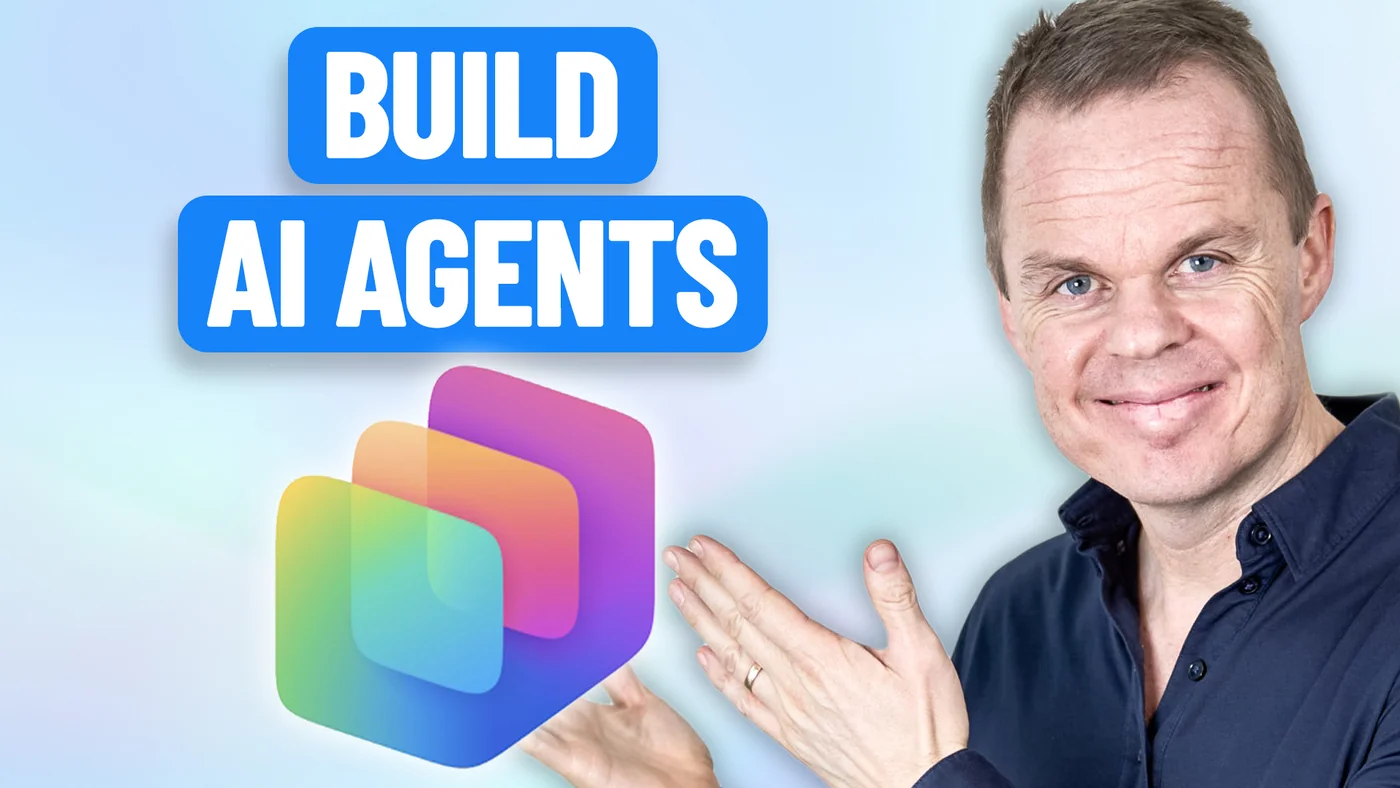
Anders Jensen gesturing towards the Copilot Studio logo under the text "Build AI agents".

What you will learn

The course teaches participants to build agents that solve concrete tasks in your business and to put them into production.

By the end of the course you can:

  • Take an agent all the way from idea to publication, testing and fixing along the way.

  • Measure whether the agent answers correctly and improve it from the results.

  • Decide how to split the work between instructions, workflows, and several agents.

  • Put agents into production in your own systems with governance and admin approval in place.

About the course

Details and modules

  • Lessons

    The course is built as nine lessons, each with its own case:

    • Introduction and the new engine: What a harness is, the four tabs Build, Preview, Evaluate, and Monitor, and what you need to know about Copilot Credits, environments, and governance before you build.
    • Your first agent: Create an agent from scratch with instructions, model, and knowledge, add a skill, test and fix in Preview, and publish to Teams.
    • Knowledge: Give the agent several kinds of sources, such as files, SharePoint or OneDrive, and structured data. Describe the sources well, test source by source, and keep the agent on track.
    • Skills: Control how the agent solves specific tasks. Generate skills with AI, write them yourself from the course template, and upload packaged skills that can be versioned and shared.
    • Workflows: Build standalone workflows with triggers, classification, conditions, AI nodes, and human approval, where you decide the order.
    • Tools: Let the agent act in real systems with connectors, MCP servers, and workflows as tools, and write skills that use several tools in sequence.
    • Connected agents: Split the work between specialised agents and build a parent that routes by description, with different models per agent.
    • Evaluate and Monitor: Build test sets, run evals, compare models on numbers, and read usage and consumption after publish.
    • Publishing: Publish to Teams and Microsoft 365 Copilot, control who can see the agent, and know the admin approval flow and the other channels.

    Changes: New features are continuously added to Copilot Studio. When appropriate, we incorporate these in the course to ensure coverage of the newest functionalities. Thus, the above topics may change accordingly.

  • Target audience

    The course is for you if you need to build agents in Copilot Studio: Power Platform developers, IT and digitalisation people, consultants, and AI leads. You do not need to code, but you need to want to build things yourself.

  • Prerequisites

    You do not need prior experience with Copilot Studio. Basic familiarity with Microsoft 365 is an advantage.

  • Duration and location

    The course lasts a full day (7 hours). We agree on the date and location with you, and you choose whether it runs on-site or online.

    Online, we draw on our experience from the YouTube channel to keep the teaching lively and interactive on screen.

    On-site, we come to you. Travel and accommodation are added to the price by agreement.

  • Equipment and licences

    The course runs on the participants' own computers. Each participant needs access to Copilot Studio in your own tenant, with an environment they are allowed to build in and Copilot Credits assigned. You get a preparation guide before the course.

  • Format

    The course combines live teaching with practical exercises. Participants work through examples and tasks themselves, with help from the instructor.

  • E-learning

    Participants get access to our e-learning during the course and can use it afterwards at their own pace. It lives on I Love Automation, where the content is kept up to date. There are also active communities where participants can get help applying what they learned to their own work.

  • Number of participants

    We recommend up to about 15 participants per course. That leaves room for everyone to take part, ask questions, and get help from the instructor.

  • Terms and conditions

    Our services follow clear business terms built on mutual trust and simple transactions. Note that all services require prepayment and are non-refundable. Read our terms and conditions for details.

  • Price and booking

    The price is fixed regardless of the number of participants, which makes the course a good fit for teams that want thorough teaching at a good price.

    Call Stine on +45 30 13 41 84 or email info@andersjensen.org. We are also happy to arrange a meeting or a short call about your needs.

Instructor

Anders Jensen

Anders Jensen, instructor in automation and AI

Instructor in automation and AI

Anders shows how automation works in practice, without long PowerPoint presentations and without drowning you in theory. His YouTube videos have millions of views, and his automation and AI tutorials are among the most watched in the world.

Microsoft has named him a Most Valuable Professional (MVP) five years in a row, most recently in both Microsoft 365 Copilot and Microsoft Copilot Studio.

The teaching style is always practical. Anders explains theory while building solutions live, so both beginners and experienced professionals can take concrete lessons with them.

Ratings

  • 5.0 /5 Google

  • 4.8 /5 LinkedIn Learning

  • 4.7 /5 across all courses

Recognition

  • Microsoft Most Valuable Professional
  • UiPath MVP

Booking and questions

Get a tailored quote

Tell us a bit about your team and what you need from the course. We reply within 24 hours.

Do you need an agent built for a specific process, or your agents safely in production? See how we help with AI agents and governance