Skip to content
Menu

Get started with ChatGPT

ChatGPT beginners course

€4,150 + VAT

  • Write better prompts and get better answers from ChatGPT.
  • Use ChatGPT directly in Excel and PowerPoint.
  • Make ChatGPT follow your rules with plugins and Projects.
Get a tailored quote

4.7/5 (across all courses)

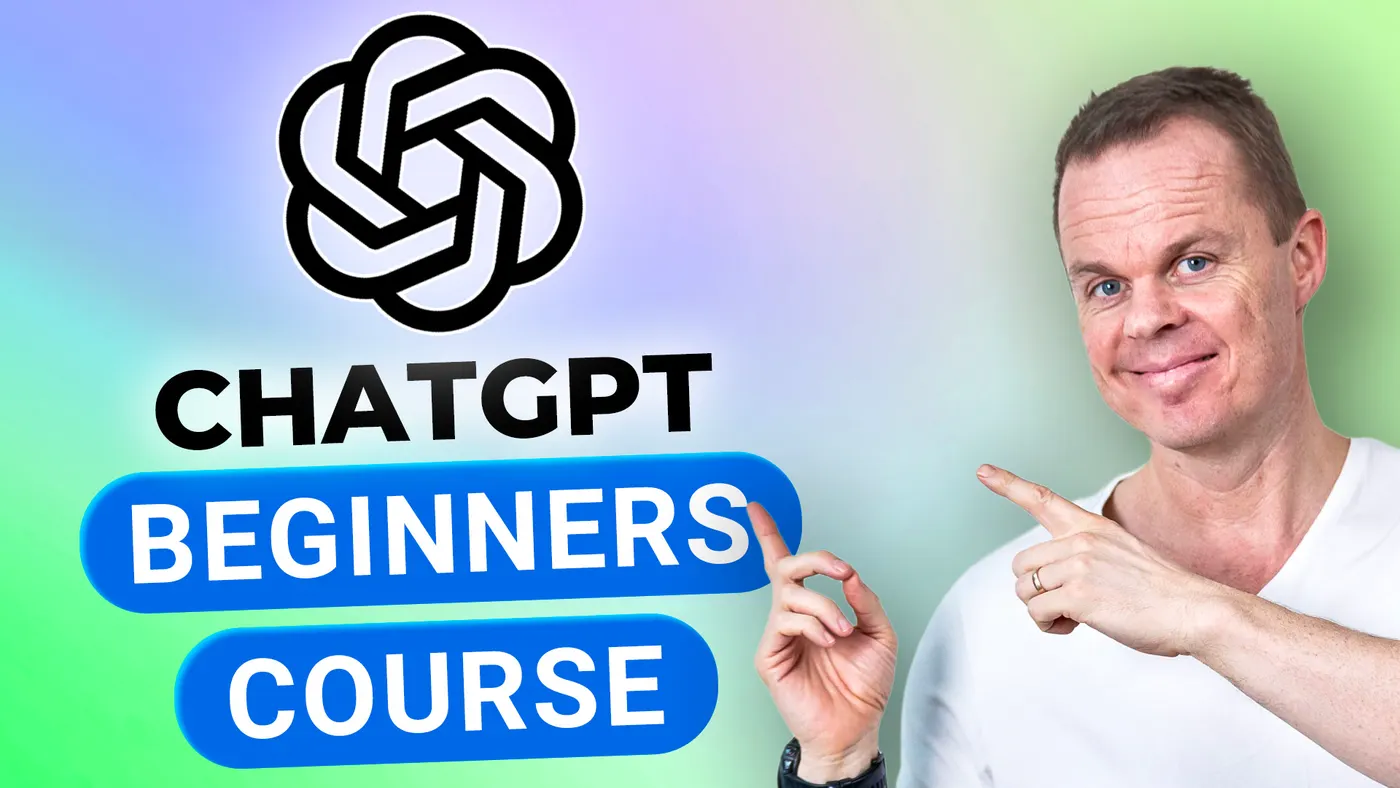
Anders Jensen presenting the OpenAI logo below the text "Learn ChatGPT".

What you will learn

A company course where the whole team learns ChatGPT together and gets a shared language and the same techniques. Participants can use it in their work the very next day.

By the end of the course you can:

  • Use ChatGPT across the browser, the app, and your phone.

  • Give ChatGPT numbers, images, and code and get something useful back.

  • Save your setup, so you do not start from scratch every time.

About the course

Details and modules

  • Lessons

    The day moves from the chat into Excel and PowerPoint and ends with plugins and images. The course has five lessons:

    • Better prompting: Using the morning's round of introductions, build a prompt one element at a time: Task, context, format, tone, and source. Teach ChatGPT your own writing style, let Deep Research work while you move on, and have ChatGPT make a project plan in Word and a timeline in Excel. Finally, you rehearse presenting the plan to a sceptical CEO in voice mode on your phone.
    • Excel: Install ChatGPT for Excel and work with two years of IT purchase data: Ask questions about the data, clean it, and build formulas, lookups, charts, and a dashboard. Then get help with VBA and Office Scripts.
    • PowerPoint: Build a deck in your own template from three source files, with speaker notes and visuals. Change one slide at a time, translate the deck, and use both built-in and custom skills.
    • Plugins and Projects: Build one plugin that replies to customer emails and one that answers questions from five HR policies. If your account does not have Plugin Creator, you build the reply assistant as a Project and watch the instructor build the HR plugin. You also see how a Project keeps the files and chats for one task together. Plugins replace Custom GPTs.
    • Image generator: Turn a vague prompt into a realistic image, edit images in the editor, and make an ad, an infographic with exact text, and a headshot that still looks like you.

    Changes: New features are continuously added to ChatGPT. When appropriate, we incorporate these into the course to ensure coverage of the newest functionalities. Thus, the above topics may change accordingly.

  • Target audience

    Anyone who wants to work more effectively with AI will get value from the course, for example in marketing, customer service, content, and programming.

  • Prerequisites

    You do not need to have tried AI or chatbots before. You only need to be able to use a computer and want to learn.

  • Duration and location

    The course lasts a full day (7 hours). We agree on the date and location with you, and you choose whether it runs on-site or online.

    Online, we draw on our experience from the YouTube channel to keep the teaching lively and interactive on screen.

    On-site, we come to you. Travel and accommodation are added to the price by agreement.

  • Equipment and licences

    The course runs on the participants' own computers. Each participant needs a paid ChatGPT plan (Plus, Business, or Enterprise) and the desktop versions of Excel and PowerPoint, with permission to install the ChatGPT add-in. On Business and Enterprise, a workspace admin must allow the add-in, plugins, and Work (both Work Cloud and Work Local) for the participants. Work is rolling out gradually, so everyone checks before the course that it shows in the desktop app. Access to Plugin Creator on Plus is not confirmed.

  • Format

    The course combines live teaching with practical exercises. Participants work through examples and tasks themselves, with help from the instructor.

  • E-learning

    Participants get access to our e-learning during the course and can use it afterwards at their own pace. It lives on I Love Automation, where the content is kept up to date. There are also active communities where participants can get help applying what they learned to their own work.

  • Number of participants

    We recommend up to about 15 participants per course. That leaves room for everyone to take part, ask questions, and get help from the instructor.

  • Terms and conditions

    Our services follow clear business terms built on mutual trust and simple transactions. Note that all services require prepayment and are non-refundable. Read our terms and conditions for details.

  • Price and booking

    The price is fixed regardless of the number of participants, which makes the course a good fit for teams that want thorough teaching at a good price.

    Call Stine on +45 30 13 41 84 or email info@andersjensen.org. We are also happy to arrange a meeting or a short call about your needs.

Instructor

Anders Jensen

Anders Jensen, instructor in automation and AI

Instructor in automation and AI

Anders shows how automation works in practice, without long PowerPoint presentations and without drowning you in theory. His YouTube videos have millions of views, and his automation and AI tutorials are among the most watched in the world.

Microsoft has named him a Most Valuable Professional (MVP) five years in a row, most recently in both Microsoft 365 Copilot and Microsoft Copilot Studio.

The teaching style is always practical. Anders explains theory while building solutions live, so both beginners and experienced professionals can take concrete lessons with them.

What participants say

"Anders stands out as an incredibly attentive and engaging instructor. His interactive teaching style, which had us actively participating and contributing throughout, was highly effective. This approach facilitated a deeper understanding and minimised the typical barrage of practical questions common in IT classes. Thanks to Anders' dynamic and hands-on method, the session was not just educational but also truly alive with learning, yielding substantial benefits for all of us."
Course participant, Introduction to ChatGPT, November 2023

Ratings

  • 5.0 /5 Google

  • 4.8 /5 LinkedIn Learning

  • 4.7 /5 across all courses

Recognition

  • Microsoft Most Valuable Professional
  • UiPath MVP

Booking and questions

Get a tailored quote

Tell us a bit about your team and what you need from the course. We reply within 24 hours.